Sign in
External link needs a LuaNet account so limits and abuse protection can be enforced.
External link
LAN hosting works without an account. External link is the optional tunnel for players outside your Wi-Fi: LuaNet connects out to NovaX, and players join through the address shown in the app.
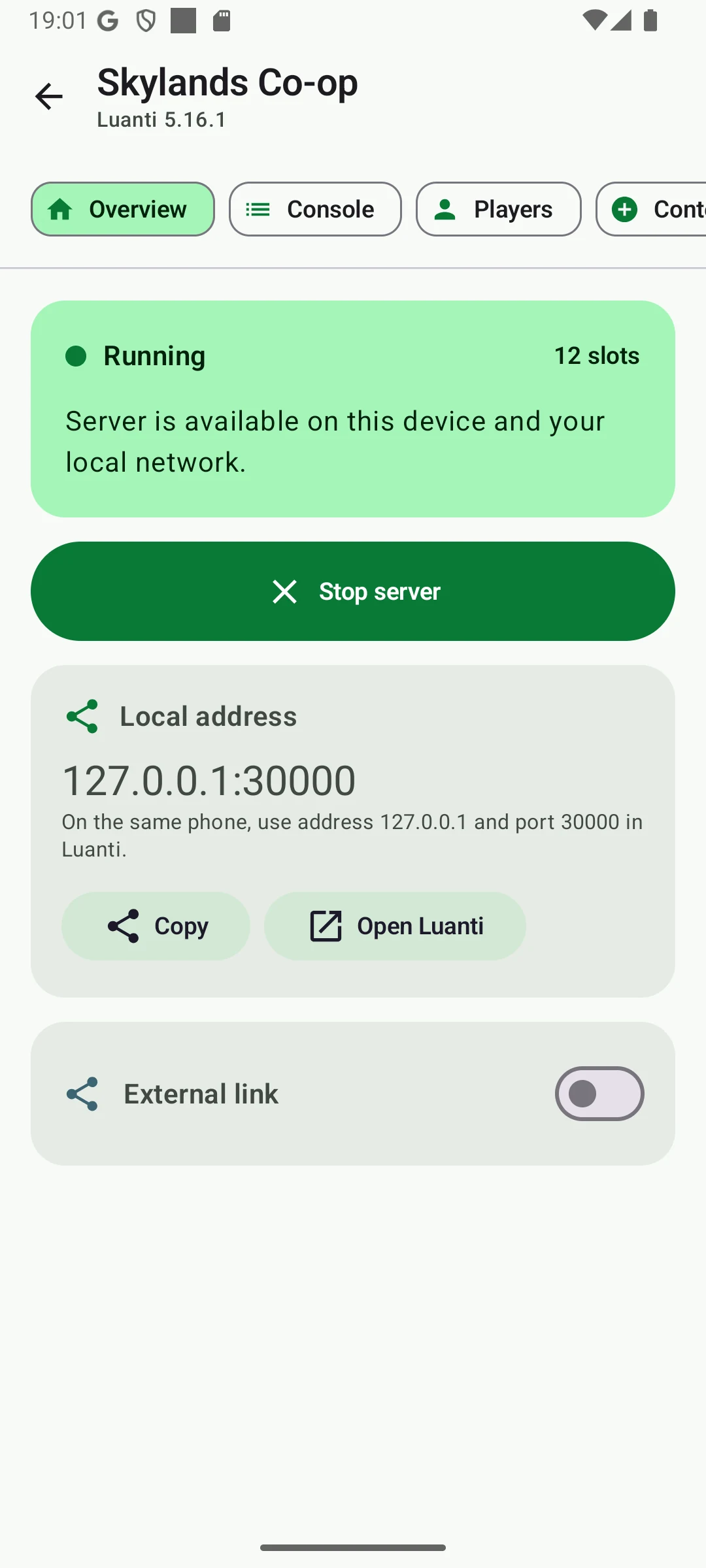
External link needs a LuaNet account so limits and abuse protection can be enforced.
The app asks NovaX for a temporary lease and receives the public host, port and short-lived tunnel credential.
Luanti still runs on the phone. NovaX does not run the world and does not receive the files.
LuaNet creates a reverse UDP tunnel from the phone to NovaX. This works even when the phone is behind NAT.
Players join play.luanet.novaxhosting.com:<port>. The port is shown in the app.
Stopping the server closes the tunnel. LuaNet keeps the port reserved briefly so quick reconnects do not collide.
Privacy
Public game packets pass through NovaX while the external link is active. LuaNet does not upload worlds, chat logs, player names, installed mods or server configuration to NovaX.
Read the full privacy policyCheck sign-in first, then API/DNS reachability, tunnel capacity, expired Free lease, ad completion, phone battery/thermal stops and whether the Luanti server itself is still running.
The main guide explains profiles, engines, ContentDB, ZIP import, players and backups.
Read how LuaNet works